
How to End Toddler Screen Time with a Clear Transition
Quick answer: Choose the stopping point before screen time begins, use the same concrete cue, and follow it with a real next step. A toddler may still protest; the measure of success is a clear, safe ending, not a cheerful reaction.
| Suggested age | Activity time | What you need | Participation can include |
|---|---|---|---|
| About 2–3 years | 3–10 minutes | One picture or one real routine | Looking, listening, pointing, moving, communicating, or stopping |
Begin with a Real Family Activity Picture
Open the high-resolution picture to download or print
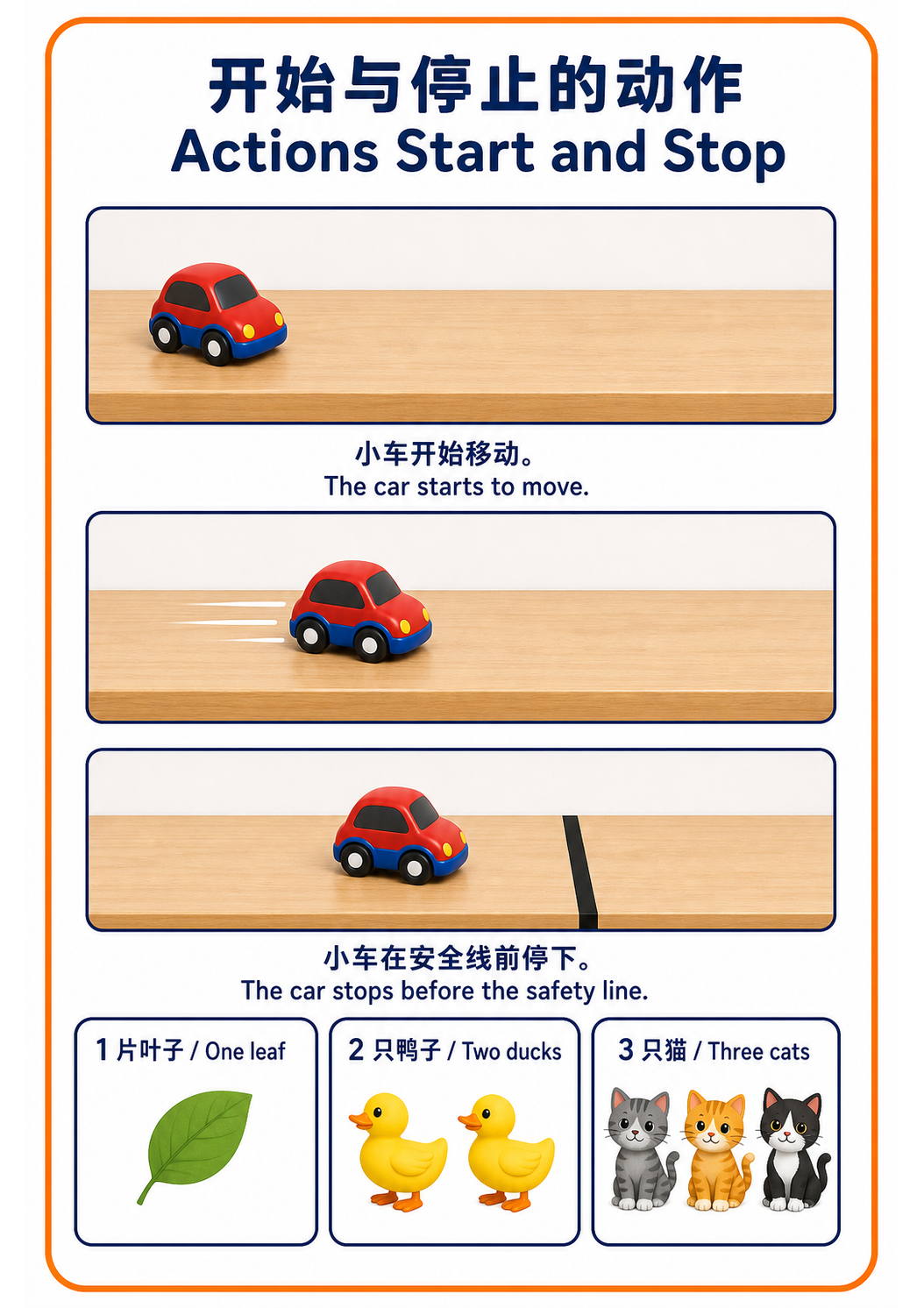
This guide is adapted from our original family record, Actions Start and Stop. The diary keeps the full plan and context from that day; this page is reorganised around one parent question and keeps the parts another family can use quickly.
Record boundary: Our February 11 record practised paired start-and-stop actions with the adult controlling the cue. The linked diary records that practice activity; it does not claim that the exact conflict in this guide happened on that day.
What This Activity Actually Supports
Transitions become easier to understand when the adult makes the sequence visible, uses few truthful words, and keeps the boundary steady without treating protest as failure. The goal is supported participation, not instant obedience.
This is not a developmental test. A quick look, a point, one movement, a sound, a word, quiet observation, or a stop signal can all be valid participation.
Try It Today
1. Name the immediate next step
Before pressing play, state the unit the child can observe: ‘One episode, then the screen rests.’ Use an episode ending or timer the adult will honour. Avoid ‘soon’ when it can mean several different lengths of time.
2. Make participation smaller
At the stopping cue, let the toddler press one safe button, carry a transition object, or choose between two next activities. Turn off autoplay and keep the device out of the next activity so the boundary is not immediately reopened.
3. Hold the limit through protest
If the child cries or reaches for the device, block grabbing and repeat: ‘You wanted another. Screen time is finished. Now bath or blocks.’ Do not add one more video solely to end the crying; that makes the stopping cue less predictable next time.
Ready-to-Use Parent Phrases
- One episode, then the screen rests.
- You wanted another video.
- Press the stop button or I can help.
- Now choose bath or blocks.
Adapt It to the Child in Front of You
For a child who cannot yet connect with a timer, use the same closing song or episode ending. On tired days, make the next activity low-demand: water, snack, cuddling, or looking out the window. The adult should also put away their own device when possible.
Record One Real Observation
Record the chosen stopping cue, what happened in the minute before it, and which next activity supported recovery. Also notice adult consistency and autoplay settings instead of treating the reaction as a child-only behaviour problem.
Avoid writing “can/cannot” or drawing a developmental conclusion from one activity. A more useful note records what the child noticed first, how the adult responded, and what helped the exchange continue or finish.
Safety and development boundary
Follow current family and health guidance for age-appropriate media use, content, sleep, and supervision. Screens must not replace urgent feeding, movement, connection, sleep, or medical needs, and online content requires active adult protection.
How This Guide Was Made
This page uses the linked original family diary and picture as its experience base, with factual checks against the public sources below. AI assisted with structure and bilingual editing. It is not medical, psychological, or therapeutic advice. Read the editorial and fact-checking policy.
Sources
- CDC: Positive parenting tips for toddlers ages 2–3
- Harvard Center on the Developing Child: Serve and return